
Grok Imagine
Generate stunning images and videos with Grok AI
Generation Results
Ready to Create
Fill in the inputs and click Create to get started.
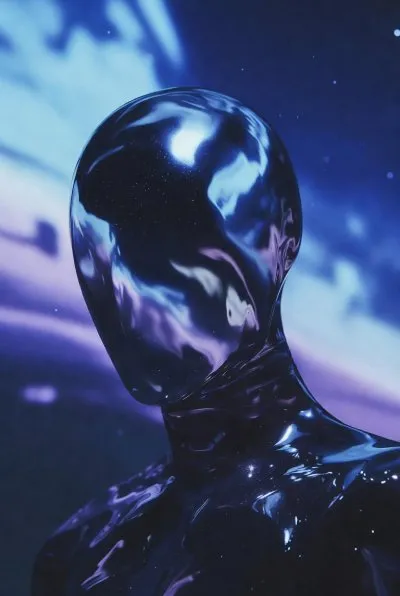
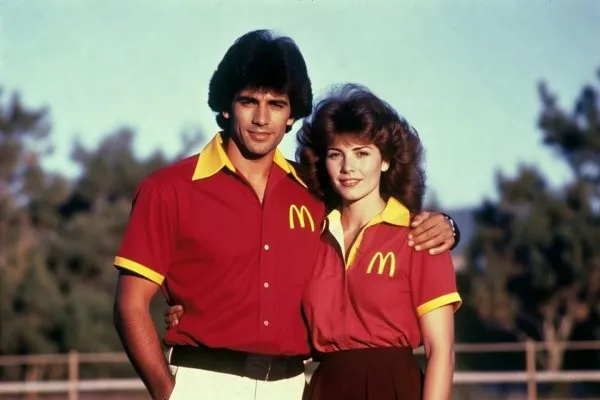
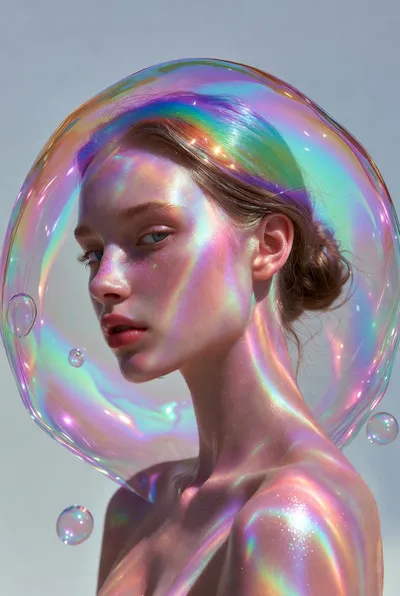
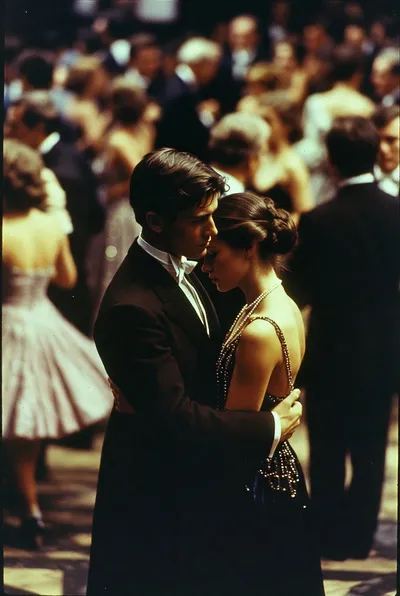
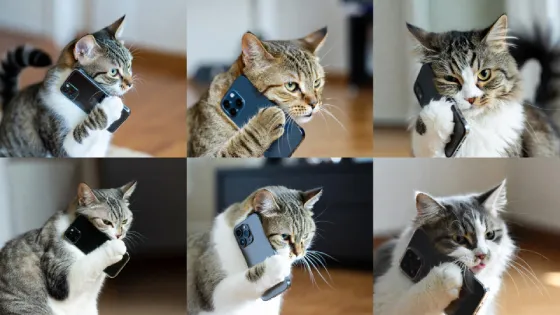
Generate Multiple Images at Once
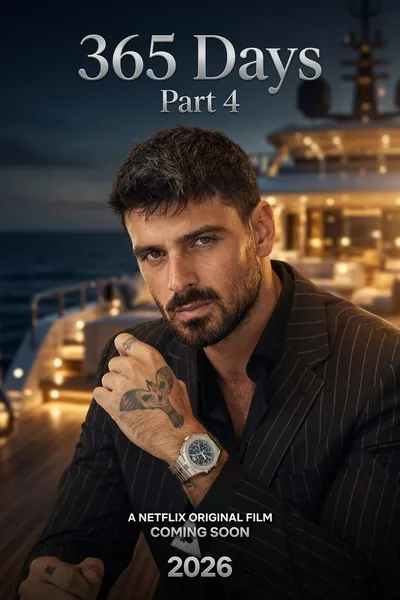
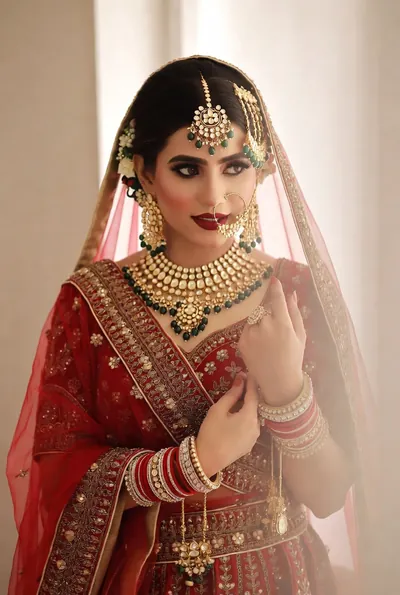
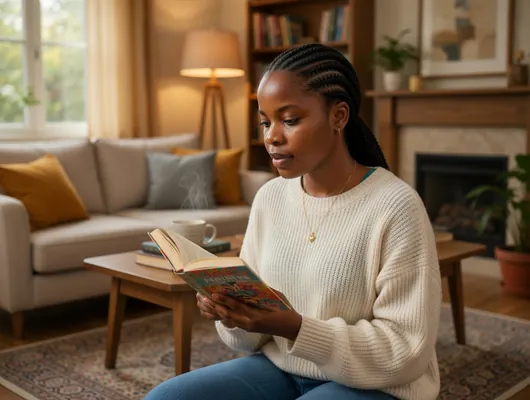
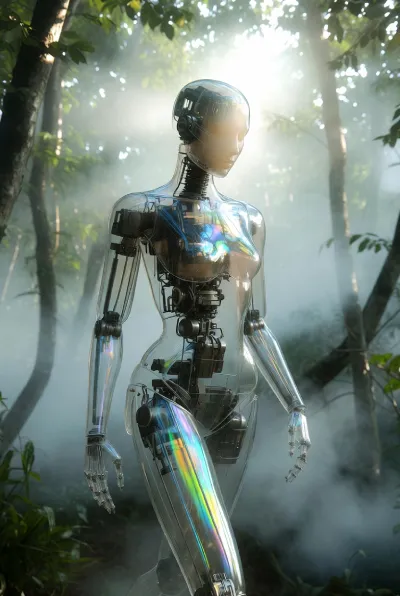
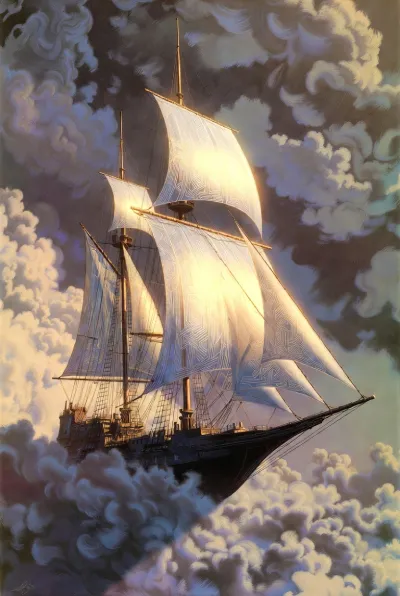
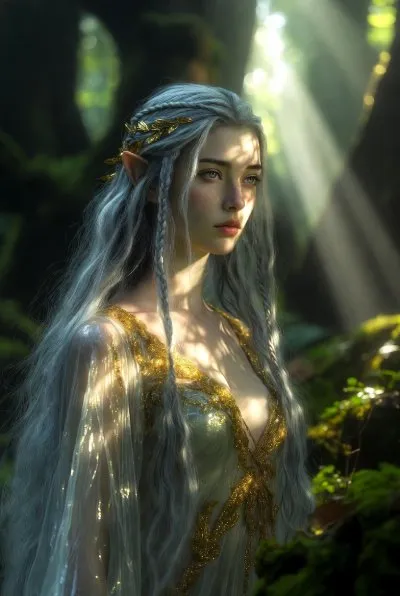
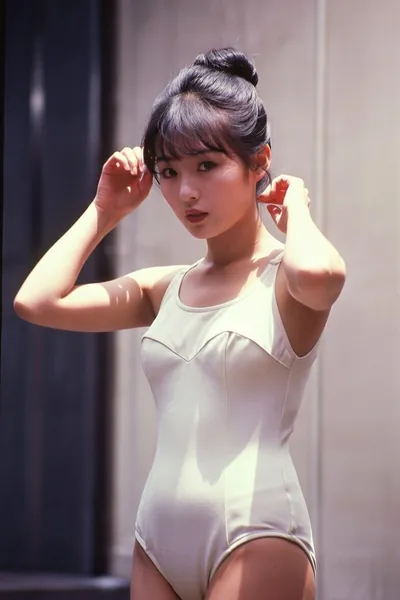
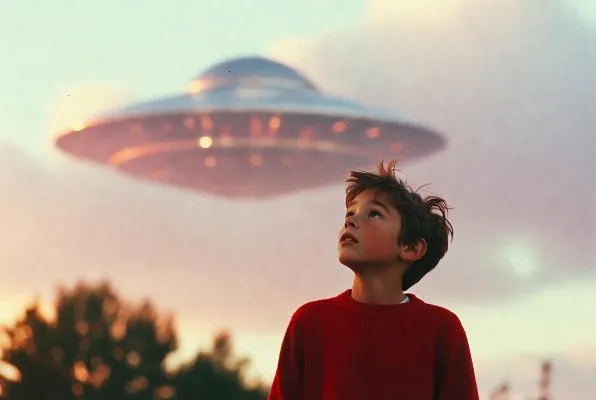
Text-to-image mode creates up to 6 high-quality images in a single generation, giving you diverse options to choose from. Pick the perfect result that matches your creative vision, or use them as inspiration for further refinements.
Unleash Creativity with Spicy Mode
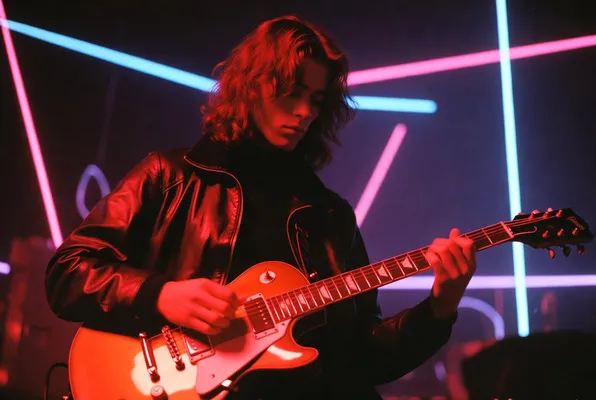
Spicy mode pushes creative boundaries with bold, expressive, and unconventional visual styles. Generate stunning videos with dramatic colors, intense emotions, and artistic flair that stand out. Perfect for content that demands maximum visual impact.
What is Grok Imagine?
Grok Imagine is an advanced AI-powered visual generation model developed by xAI, designed to transform your creative ideas into stunning images and dynamic videos. Whether you're a content creator, marketer, or AI enthusiast, Grok Imagine empowers you to bring concepts to life with unparalleled speed and quality. The platform supports multiple creation modes including text-to-image, text-to-video, and image-to-video generation, making it a versatile tool for diverse creative workflows.
Powerful Capabilities
Text to Image
Transform descriptive text prompts into high-resolution static images. Perfect for generating illustrations, concept art, product mockups, and marketing visuals. Grok Imagine handles complex details like lighting, textures, and compositions with exceptional accuracy.
Image to Image
Upload an image and refine it with a prompt. Ideal for style transfer, touch-ups, or quick redesigns—preserve the subject while updating texture, colors, and overall mood.
Text to Video
Convert text descriptions into animated videos with natural motion and scene continuity. Grok Imagine adds synchronized audio that matches the video's rhythm, enhancing realism. Ideal for tutorials, advertisements, and narrative storytelling with cinematic quality.
Image to Video
Animate static images into dynamic videos while preserving original aesthetics. Add motion, depth, and lighting variations to photos or illustrations. Upload images (JPEG, PNG, WEBP up to 10MB) or use generated images from Grok Imagine for seamless animation.
Understanding Generation Modes
NormalStandard & Reliable
The default mode in Grok Imagine, designed for practical applications. Produces balanced visuals that closely follow prompts without excessive creativity. Ideal for business graphics, educational diagrams, and professional content where consistency and accuracy are paramount.
FunPlayful & Varied
Introduces variety and whimsy to your generations. Encourages more creative interpretations with unexpected elements and stylistic twists. Perfect for brainstorming sessions and casual content creation where diversity in outputs enhances the creative process.
SpicyBold & Expressive
Grok Imagine spicy mode is the platform's standout feature, offering the most expressive and artistic outcomes. Powered by Grok Spicy technology, this mode interprets prompts with heightened creativity, resulting in bolder colors, dramatic lighting effects, and unconventional compositions. Perfect for artistic projects, creative exploration, and content that demands visual impact.
Key Highlights:
- Enhanced visual expressiveness with intensified emotions and vivid aesthetics
- Supports text-to-image and text-to-video for maximum creative freedom
- Limited support in image-to-video: works with task IDs but not external uploads
- Requires age verification (18+) and premium subscription access
How to Choose a Mode
Select Normal for precise professional results, Fun for exploratory variations, or grok imagine spicy mode for bold artistic outputs. Consider your project goals: use Normal for corporate work, Fun for ideation, and Spicy for creative campaigns requiring distinctive visual flair.
Mastering Prompt Techniques
Effective prompts unlock the full potential of Grok Imagine. Follow these proven strategies to achieve professional-quality results:
Basic Structure
- •Use format: Subject + Action + Scene + Style
- •Include emotions, lighting, and atmosphere details
- •Be detailed but concise for clarity
Video Prompts
- •Describe continuous actions and movements
- •Use adverbs for intensity: "violently", "gently"
- •Specify camera movements: "zoom in", "pan left"
Image-to-Video Tips
- •Align prompts with input image to avoid contradictions
- •Describe motions for subjects, backgrounds, camera
- •Select "not fixed lens" for dynamic camera effects
Spicy Mode Optimization
- •Exaggerate elements for dramatic effects
- •Layer artistic descriptors: "surreal", "vibrant", "cinematic"
- •Use with text-based prompts for best results
Pro Tip: Test iterations and refine your prompts. Grok Imagine learns from detailed inputs, so experiment with variations to discover optimal phrasing for your creative vision.
Why Choose Grok Imagine?
Grok Imagine stands out in the competitive AI generation landscape with unique advantages over alternatives like DALL-E, Midjourney, Veo 3.1, and Sora 2:
Lightning-Fast Generation
Generate high-quality visuals in seconds, significantly outpacing slower models like Sora 2, making it ideal for rapid prototyping and iterative workflows.
Synchronized Audio
Unique video generation with matched audio, a feature absent in DALL-E and Midjourney, creating immersive content without additional tools.
Spicy Mode Creativity
Grok imagine spicy mode offers artistic control and expressive styles unmatched by Veo 3.1's high-fidelity focus, enabling bold creative directions.
Flexible Formats
Support for upscaling and varied aspect ratios (2:3, 3:2, 1:1) provides greater flexibility than more rigid competing models.
How to Use Grok Imagine
Select Your Mode
Choose between Text to Image, Text to Video, or Image to Video based on your creative needs. Each mode is optimized for specific content types.
Craft Your Prompt
Write a detailed description of your desired output. Include subjects, actions, scenes, styles, and emotional tones. For grok imagine spicy mode, add bold artistic descriptors.
Configure Settings
Select your preferred aspect ratio (2:3, 3:2, 1:1) and generation mode (Normal, Fun, or Spicy). Adjust based on your platform and artistic goals.
Generate & Refine
Click Create and wait seconds for results. Review outputs, upscale videos for higher quality, or iterate with refined prompts to perfect your creation.
Start Creating with Grok Imagine Today
Experience the power of AI-driven visual generation. Whether you need images, videos, or animated content, Grok Imagine delivers professional results with unmatched speed and creativity.