
Free AI LEGO Style Image Generator
Inspiration
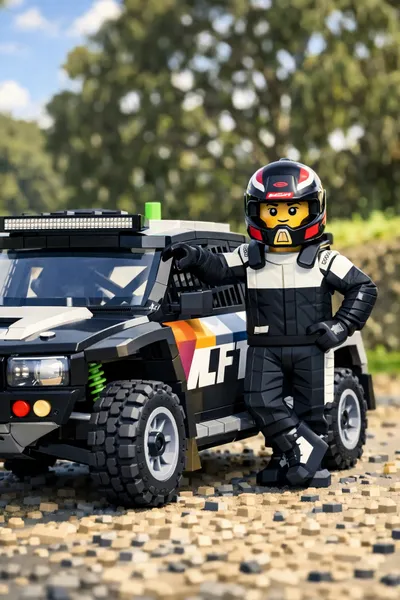


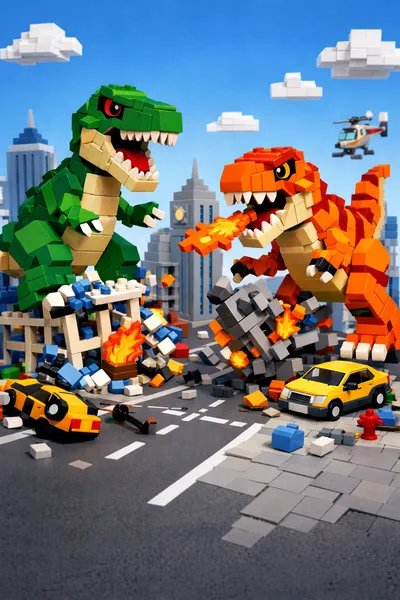
How to use LEGO AI image generator?
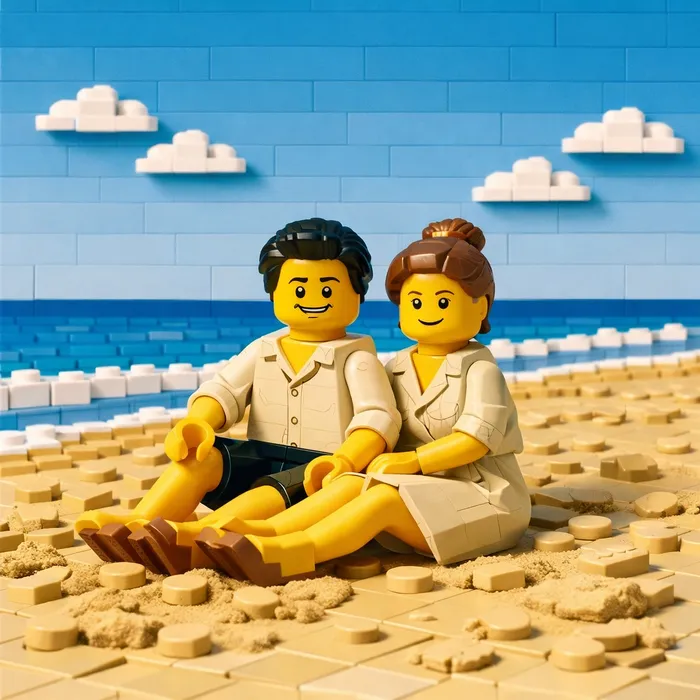

Upload your image
Choose a clear portrait or object photo. You can also start with text in text-to-image mode.
Apply LEGO style
Use the built-in LEGO prompt style to convert your input into a clean brick-based visual.
Generate and preview
Pick aspect ratio and quality, then generate your image to preview the LEGO-style output.
Download and share
Save the final result and use it for social posts, avatars, or creative campaigns.
Frequently Asked Questions
LEGO style AI art transforms characters, scenes, or products into a brick-built look with blocky shapes, plastic textures, and colorful toy-like details.
A LEGO AI generator is an AI-powered tool that converts your text prompts or photos into LEGO style images. It can quickly turn ideas into playful brick-inspired artwork.
Open the LEGO AI generator, choose text-to-image or image-to-image mode, enter a prompt or upload a photo, set ratio and quality, then click generate to create your LEGO style image.
Yes. Palix AI offers free credits for new users, so you can try LEGO style image generation before choosing a paid plan.
Yes. Upload your photo in image-to-image mode and Palix AI can transform it into a LEGO style portrait with a stylized brick texture.
Use clear prompts with details about character pose, background, lighting, and color. For image-to-image, start with a sharp input image for cleaner LEGO style output.