

Grok Imagine: Free AI Image & Video Generator
Inspiration
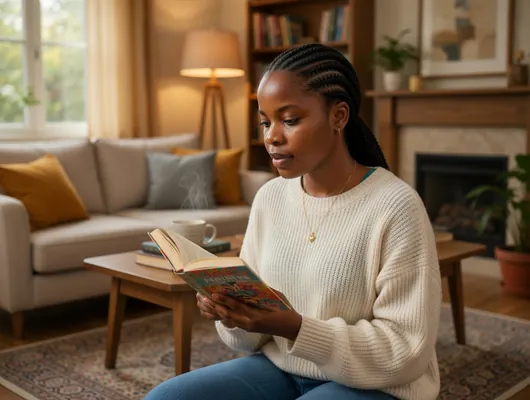
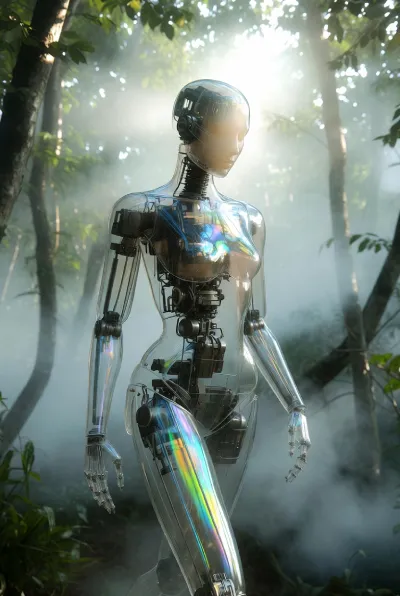
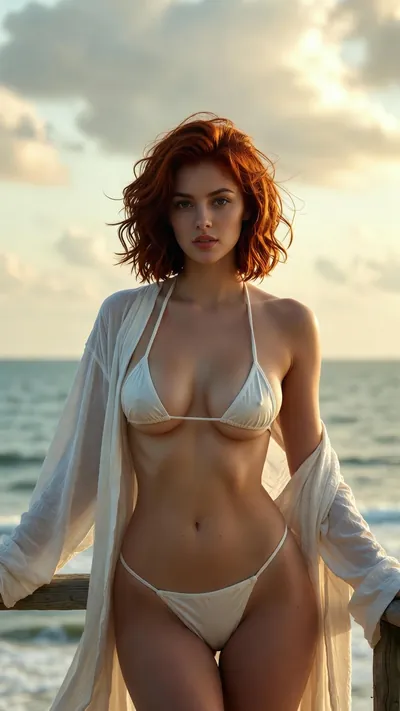
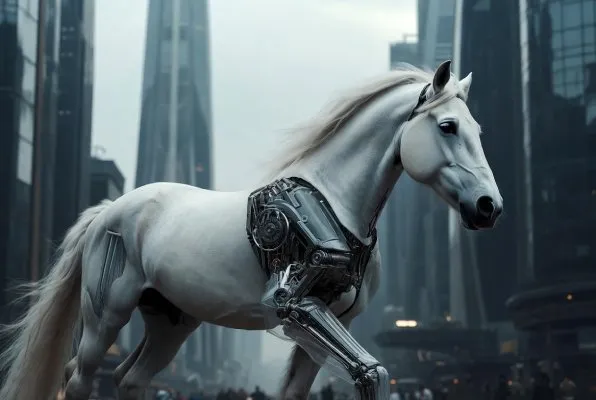
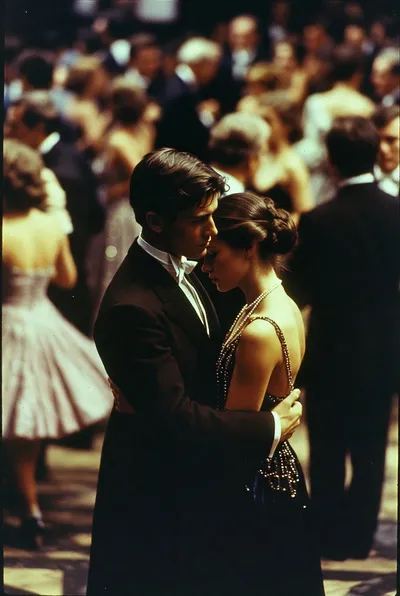
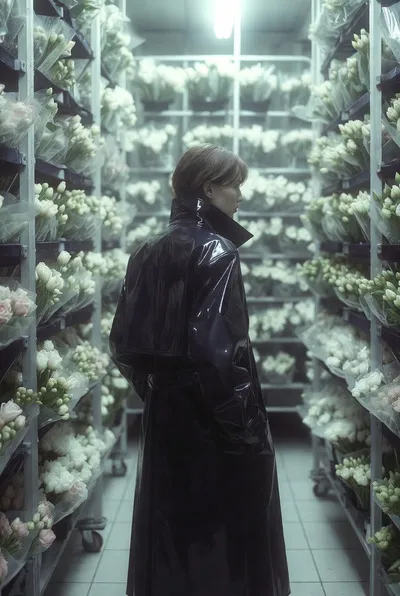
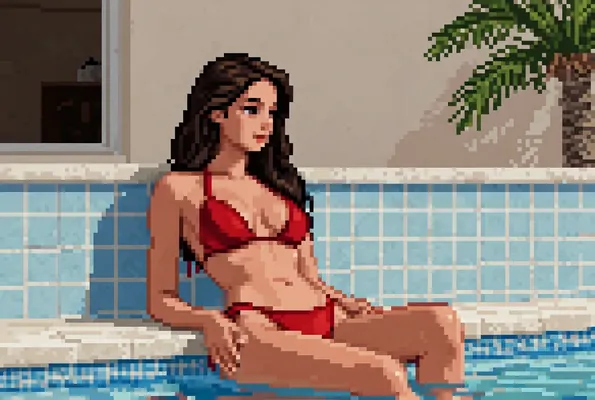
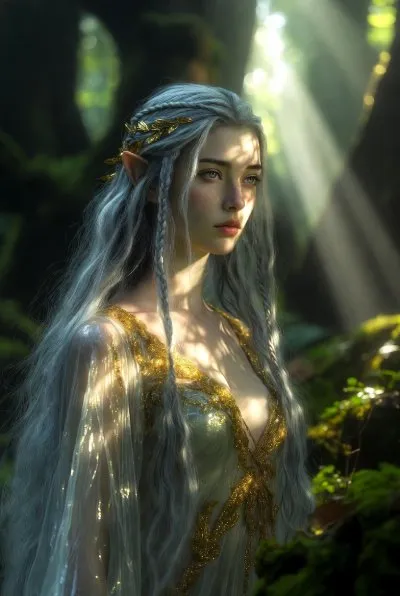
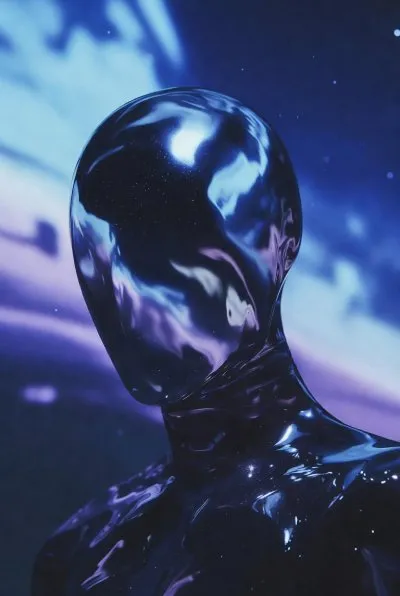
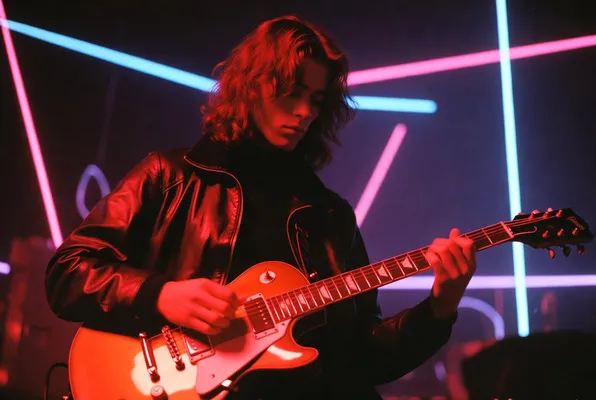
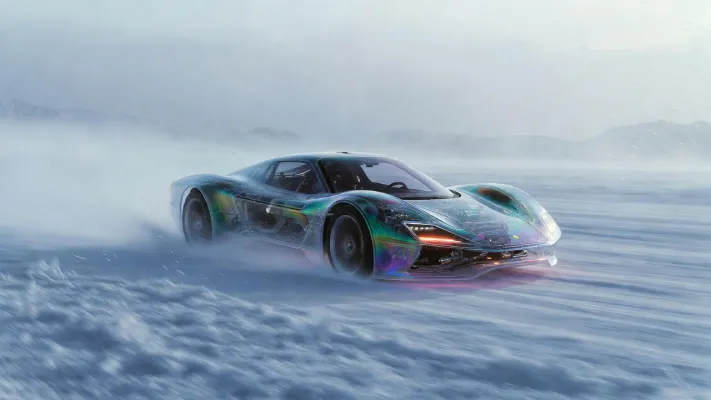
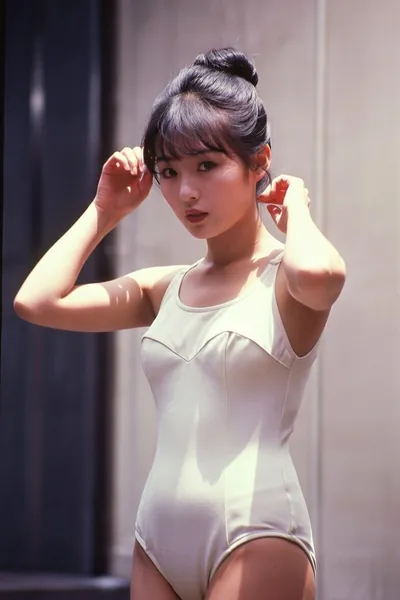
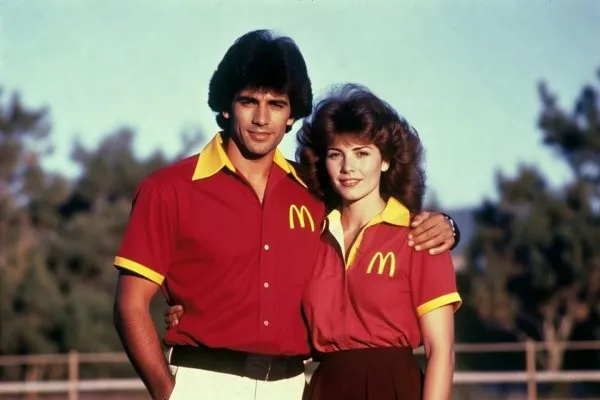
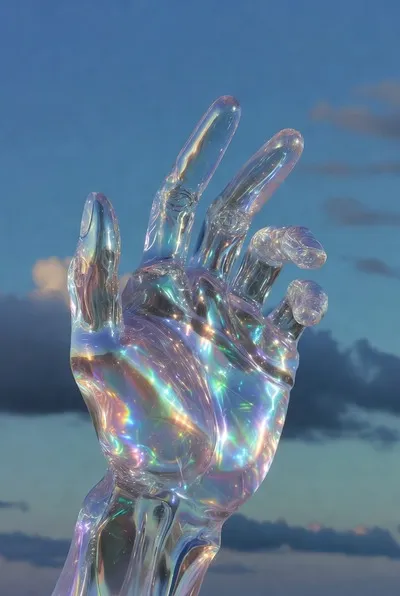


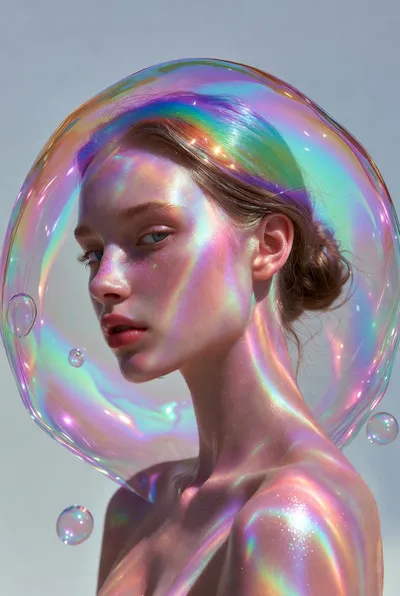
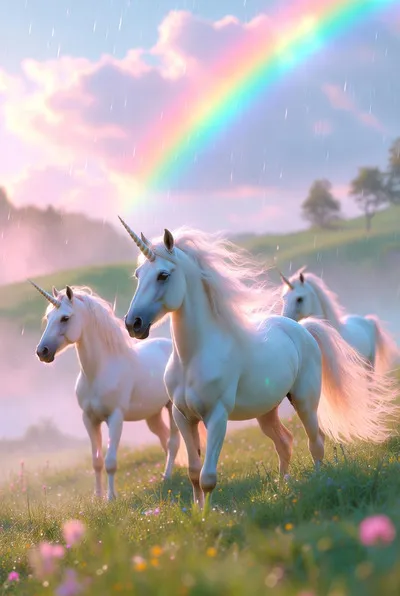
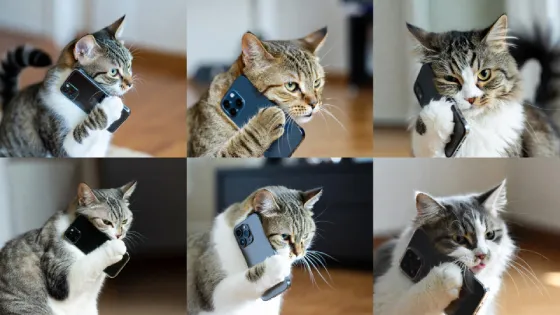
Generate Multiple Images at Once
Text-to-image mode creates up to 6 high-quality images in a single generation, giving you diverse options to choose from. Pick the perfect result that matches your creative vision, or use them as inspiration for further refinements.
Unleash Creativity with Spicy Mode
Spicy mode in text-to-video pushes creative boundaries with bold, expressive, and unconventional visual styles. Generate stunning videos with dramatic colors, intense emotions, and artistic flair that stand out, including when you convert text-to-image results into video. Perfect for content that demands maximum visual impact.
Frequently Asked Questions
Grok Imagine generates up to six results from a text to image run in seconds so you can test ideas fast and pick the best frame. The AI also speeds text to video drafts, letting teams prototype visuals without waiting on slow rendering.
Normal for precise business, Fun for playful variety, Grok Imagine spicy mode for bold art. Spicy adds dramatic color and creative twists while Normal keeps accurate prompts and Fun explores options. Choose based on project tone.
Grok Imagine spicy mode uses Grok Spicy technology to push expressive lighting and vivid style for campaigns. It only works in text to video or when a text to image result is converted to video and does not run on standalone text to image or direct image to video uploads.
Grok Imagine reads prompt details for lighting, texture, and composition to deliver high resolution images. It supports multiple aspect ratios like 2:3, 3:2, and 1:1 so creative assets fit social feeds, ads, and print without extra editing.
Grok Imagine turns text descriptions into videos with natural motion and synchronized audio, giving tutorials, ads, and stories cinematic polish without another tool. The AI keeps scene continuity so each text to video run feels cohesive and publish ready.
Grok Imagine animates images into video while preserving color and subject. Upload JPEG, PNG, or WEBP up to 10MB or reuse generated frames, and expect motion depth without losing style. Spicy mode is unavailable for direct uploads and only applies when you convert a Grok text to image task to video.
Grok Imagine lets you upload an image and guide revisions with a prompt. The AI keeps the subject intact while updating texture, color, and mood for quick style transfer or touch ups, supporting JPG, PNG, and WEBP sources.
Structure Grok Imagine prompts as subject, action, scene, and style with emotion and lighting notes. For video, describe continuous movement and camera direction like pan right or zoom in. Align image to video prompts with the uploaded frame for clean motion.
Set Grok Imagine aspect ratios to 2:3, 3:2, or 1:1 based on channel, then pick Normal for accuracy, Fun for variety, or Grok Imagine spicy mode for bold flair in supported video flows. Use upscaling after generation when you need extra clarity.
Grok Imagine delivers visuals in seconds, beating slower models like Sora 2, and it pairs video with synchronized audio that DALL E and Midjourney lack. Grok Imagine spicy mode brings expressive control beyond Veo 3.1 while flexible formats cover social, ads, and print.